A resume tracking system that shows you when employers open your resume

Most job seekers send a resume and wait. VisualCV users know exactly when it was opened, how many times it was viewed, and when to follow up.

VisualCV's resume tracking turns a silent submission into a conversation. Publish your resume as a live career website. Share the link. Get notified the moment an employer opens it.

Start tracking your resume

Resume analytics is a VisualCV Pro feature. Free to try. No credit card required to start.

What happens after you hit send

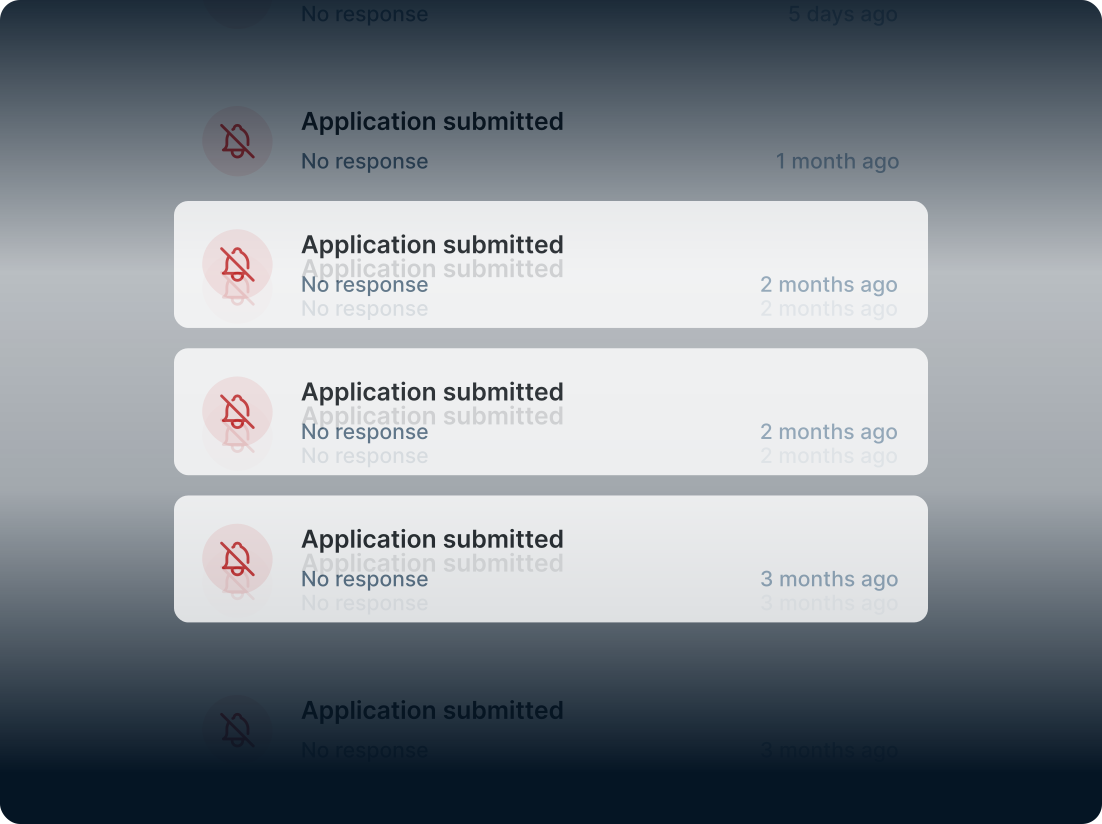
You spend hours writing a resume. You tailor it to the job. You submit it. And then you wait. No confirmation. No signal. No idea if anyone even opened it.

Most job seekers call this normal. It is not. It is a problem. And it is the reason so many candidates follow up too early, too late, or not at all.

The real question after every application is not "did I write a good resume?"

It is "did anyone actually read it?"

Without resume tracking, you will never know the answer. With VisualCV, you will.

Resume tracking changes everything

VisualCV's resume analytics feature gives you real data on every resume you share. The moment an employer opens your resume link, you know. The moment they download it, you know. The moment they come back to view it a second time, you know.

This is not guesswork. It is data. And data changes how you search for jobs.

See your resume analytics
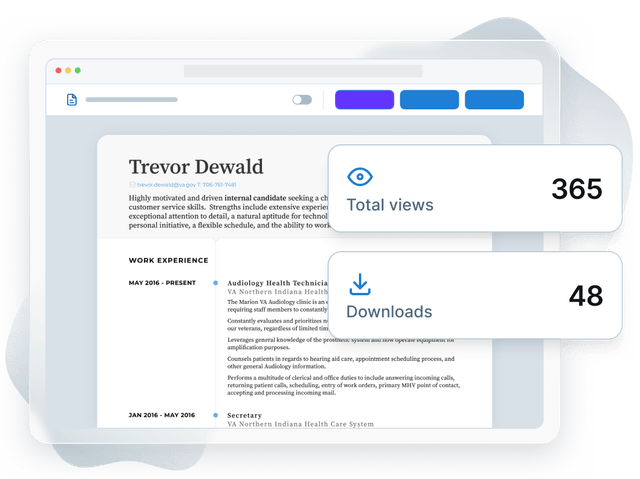
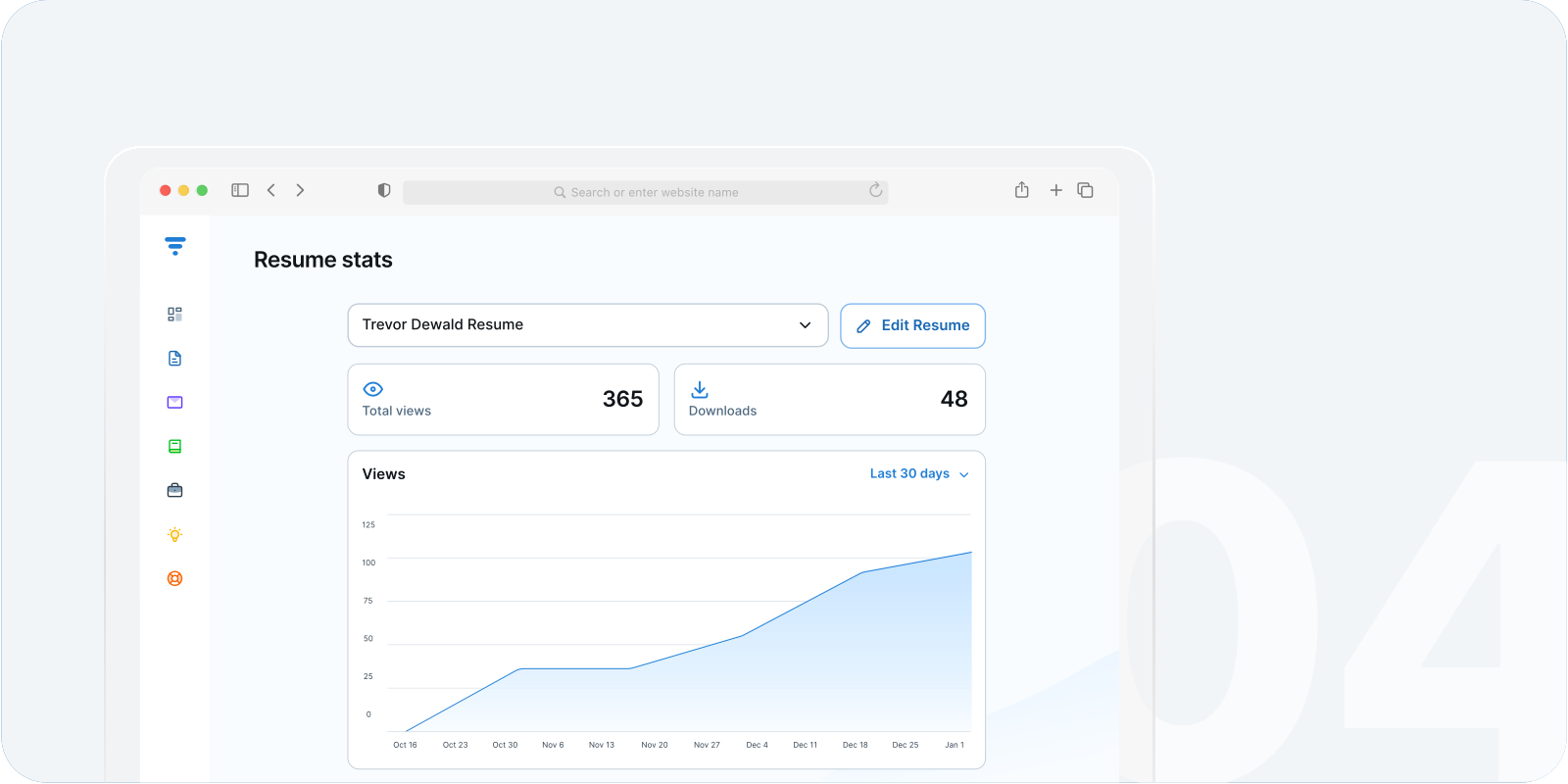
A VisualCV resume with cards counting its 365 views and 48 downloads

What VisualCV's resume tracking shows you

  • Who viewed your resume

    See which employer or recruiter opened your resume link. Know who is paying attention and who has not looked yet.

  • When they viewed it

    Get the exact date and time of every view. Know if they opened it the day you applied, or three weeks later when a role opened up.

  • How many times they viewed it

    One view is interest. Multiple views often signal serious consideration. See how many times each person has returned to your resume.

  • When they downloaded it

    A download is a strong signal. Know the moment someone saves your resume to their device, and use that as your follow-up cue.

How resume tracking works

Publish your resume and start tracking
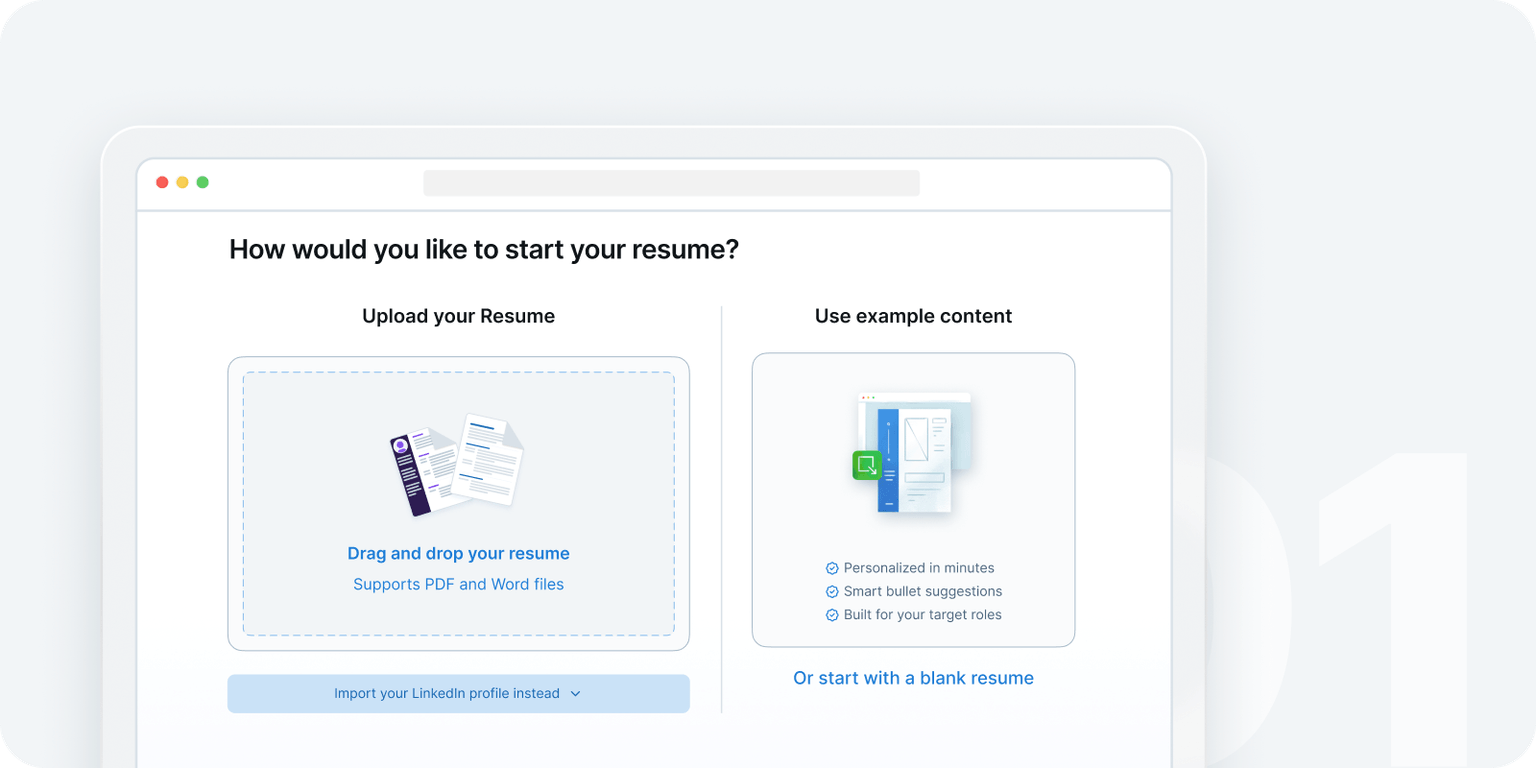
  • The VisualCV onboarding screen asking how you would like to start your resume

    STEP 1

    Build your resume in VisualCV

    Create or import your resume using VisualCV's AI-powered builder. Choose a professional template. Tailor your content to the role you want.

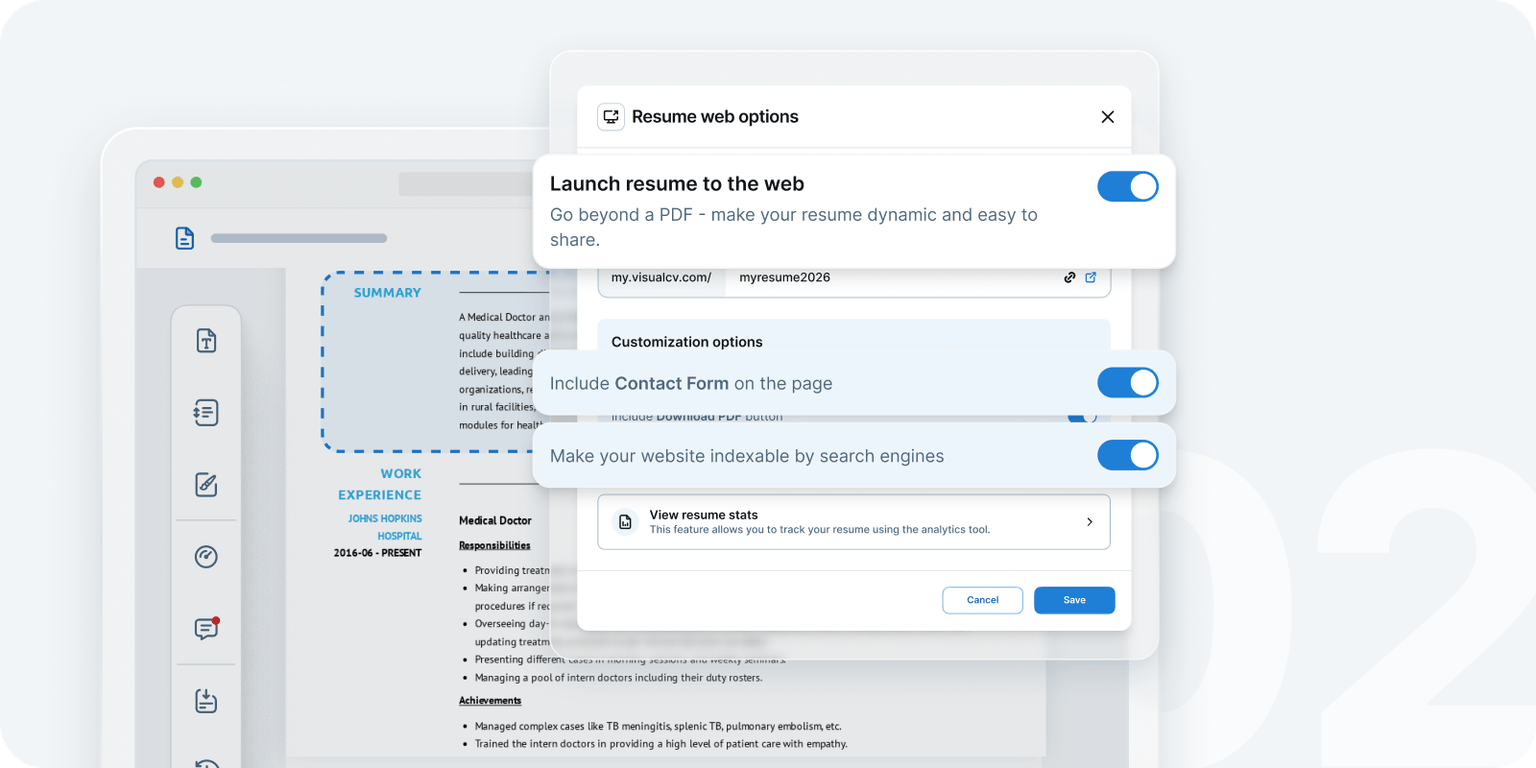
  • The publish settings for a VisualCV resume website

    STEP 2

    Publish it as a live career website

    VisualCV publishes your resume as a live, shareable web page. This is the foundation that makes tracking possible. A PDF cannot be tracked. A live resume can.

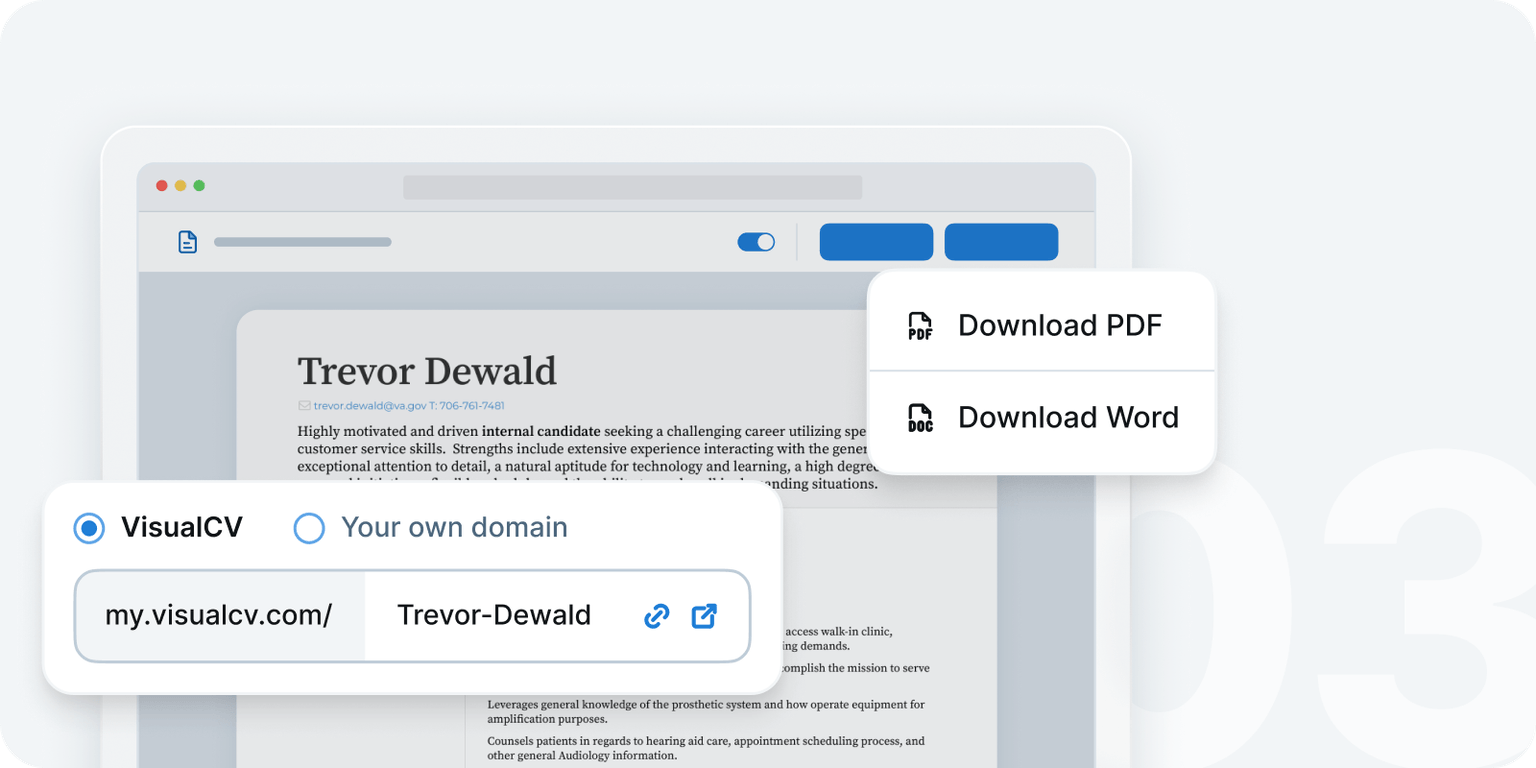
  • A VisualCV resume with its shareable link and download options

    STEP 3

    Share your resume link

    Send your VisualCV link in applications, emails, and LinkedIn messages. Every time someone opens it, the analytics system records the visit.

  • The VisualCV resume stats dashboard with a graph of views over time

    STEP 4

    Get notified and follow up at the right time

    When an employer opens your resume, you get a notification. Check your analytics dashboard to see the full picture: who viewed it, when, and how many times. Then follow up with confidence, because you know they have already seen your resume.

Why resume tracking matters to your job search

Knowing who viewed your resume is not just satisfying. It is strategic.

Start tracking your resume today
  • Follow up when it actually makes sense

    Most candidates wait an arbitrary number of days before following up. VisualCV users follow up because they know the recruiter just opened their resume 20 minutes ago. That is a very different conversation.

  • Stop wasting time on cold leads

    If a recruiter has not opened your resume in three weeks, that role may be paused or filled. Resume tracking helps you know when to shift focus and apply your energy elsewhere.

  • Know which resume version is working

    VisualCV lets you create multiple resume versions. Resume tracking tells you which version gets opened more, viewed longer, and downloaded most. That is real data on what is working.

  • Walk into every follow-up with confidence

    There is a difference between following up blindly and following up knowing the hiring manager opened your resume twice yesterday. VisualCV gives you that second kind of confidence.

Real users. Real results.

  • I've used VisualCV whenever applying for new positions, and I find it highly user-friendly, intuitive, and produces excellent results.

    The customer service is also excellent, always responding immediately to any inquiries. Overall, I find the service excellent and I will continue using VisualCV as long as I need my CV updated.

    NicoAustralia
  • Personally I have used VisualCV since I started my career. The customer service are very responsive and supportive, the site provides great options for CV templates that are well organised and allows customisations to fit for all needs and thoughts.

    OmarUnited Kingdom
  • My CV definitely stands out from the rest! I can easily switch styles without having to start all over again and I love that I can see how often my resume is accessed by viewers and their location.

    KellyDenmark
  • This is one of the best resume builders with multiple templates best suited for different domains and roles. I would like to call out few things like 1. Import feature from an existing resume works amazing 2. The various templates are super easy to adapt 3. AI integrated features as a new addition is superb in compiling the right message with the correct length and tone

    SahuIndia
See more stories

The only resume builder with built-in resume tracking

Here is why no other resume builder can offer this feature.

Most resume builders give you a PDF. You download it. You email it. You never know if it was opened. A PDF is a dead file. Once it leaves your hands, it leaves your visibility too.

VisualCV is different. It publishes your resume as a live career website with its own URL. That live page is connected to a real analytics system. Every view, every download, every return visit is recorded and reported back to you in your dashboard.

This is not a feature that can be bolted onto a PDF-based builder. It requires the live resume infrastructure that VisualCV has built.

Get resume tracking with VisualCV Pro
FeatureVisualCVEnhancvTealZetyResume.io
Publish resume as a live web pageYesNoNoNoNo
Real-time resume view trackingYesNoNoNoNo
Download notificationYesNoNoNoNo
View count per employerYesNoNoNoNo
Resume analytics dashboardYesNoNoNoNo
Multiple resume versions trackedYesNoNoNoNo

Resume tracking and your online resume: better together

Resume tracking is powered by VisualCV's published resume feature. The two work as a system.

When you publish your resume as a live career website, you get a permanent, shareable URL. Send it to recruiters. Add it to your LinkedIn profile. Put it in your email signature. Every time someone opens that link, the analytics engine records the visit.

The result: your resume becomes an active tool in your job search, not a passive document. You see who is paying attention. You know when to act. You stay in control of a process that usually feels completely out of your hands.

Publish your resume and start tracking
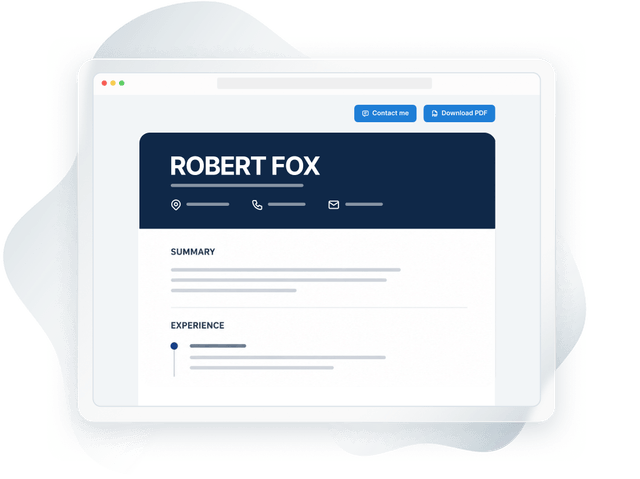
A published VisualCV resume website open in a browser

Resume tracking as a system: what VisualCV Pro includes

Here is everything you unlock when you start tracking your resume with VisualCV Pro:

  • An eye icon

    Resume view tracking

    Know when your resume is opened and by whom

  • A download icon

    Download alerts

    Get notified the moment someone saves your resume

  • A history icon

    View count history

    See how many times each person has returned to your resume

  • A versions icon

    Multiple version tracking

    Track which resume version performs best across different roles

  • A website icon

    Published career website

    The live resume that makes tracking possible

  • An AI sparkle icon

    Unlimited AI resume writing

    Content for every application powered by the latest AI

  • A templates icon

    Premium resume templates

    40+ professionally designed templates

  • A cover letter icon

    Cover Letter builder

    Match your resume with a tailored cover letter for every role

Frequently Asked Questions about Resume Tracking

  • What is resume tracking?

    Resume tracking is the ability to see when someone opens, views, or downloads your resume. VisualCV's resume tracking system records every interaction with your published resume link. You see who viewed it, when, and how many times. This gives you the information you need to follow up at the right moment.

  • How does VisualCV's resume tracking work?

    VisualCV publishes your resume as a live career website with a unique URL. When you share that link and someone opens it, the analytics system records the view. You get a notification and can see the full interaction history in your dashboard. Because your resume lives on a live web page rather than a static PDF, every interaction can be tracked and reported.

  • Is resume tracking available on the free plan?

    Resume tracking and analytics are a VisualCV Pro feature. You can create a resume on the free plan, but publishing your resume to the web, view tracking and analytics data are unlocked with a Pro subscription.

  • Does resume tracking work if I send my resume as a PDF?

    No. PDF files cannot be tracked once they leave your device. VisualCV's tracking only works with your published resume link. This is one key reason to share your VisualCV link directly rather than attaching a PDF: the link gives you both a polished presentation and real tracking data.

  • Can I track multiple resume versions?

    Yes. VisualCV lets you create and publish multiple resume versions, each with its own link. You can track views and downloads separately for each version, so you can see which resume is getting the most attention for each role or industry you are targeting.

  • How is resume tracking different from application tracking?

    Application tracking logs where you have applied and what stage each application is at. Resume tracking shows you what happens on the employer's side. You can see whether they opened your resume, how many times they viewed it, and when they downloaded it. The two work well together: use an application tracker to manage your pipeline and VisualCV's resume analytics to know when your resume is getting real attention.

Stop sending resumes and hearing nothing

Every resume you send deserves to be seen. With VisualCV's resume tracking, you know the moment it is.

Publish your resume as a live career website. Share the link with confidence. Watch your analytics dashboard for the signals that tell you when to follow up, when a role is moving, and which version of your resume is opening doors.

This is job searching with information. It is the only way to search.

Get resume tracking with VisualCV ProSee all VisualCV features

Resume analytics is a VisualCV Pro feature. Start free. Upgrade when you are ready.

Notifications telling a VisualCV user that their resume was viewed and downloaded
Terms of UsePrivacy Policy

Choose your language: